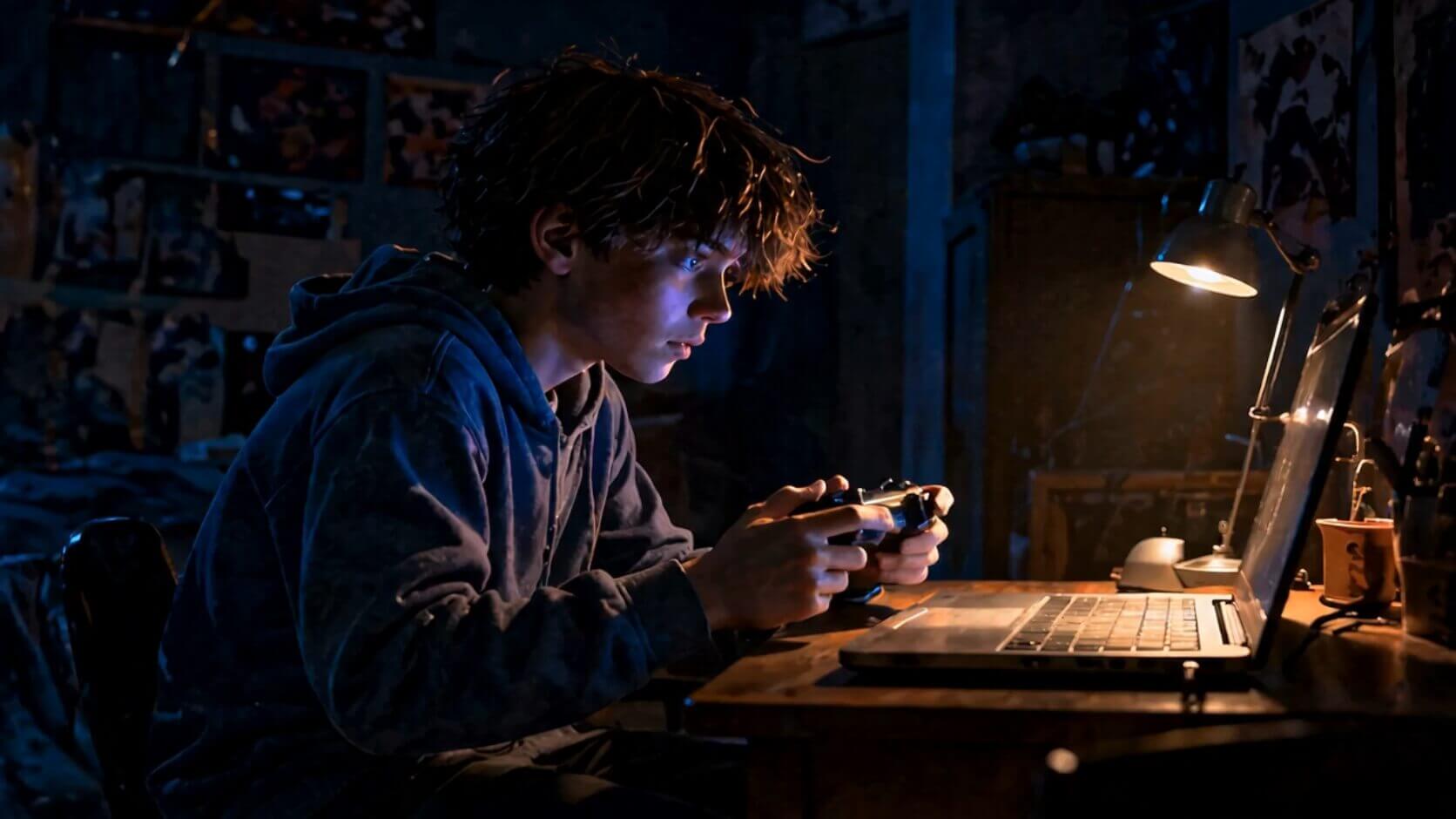
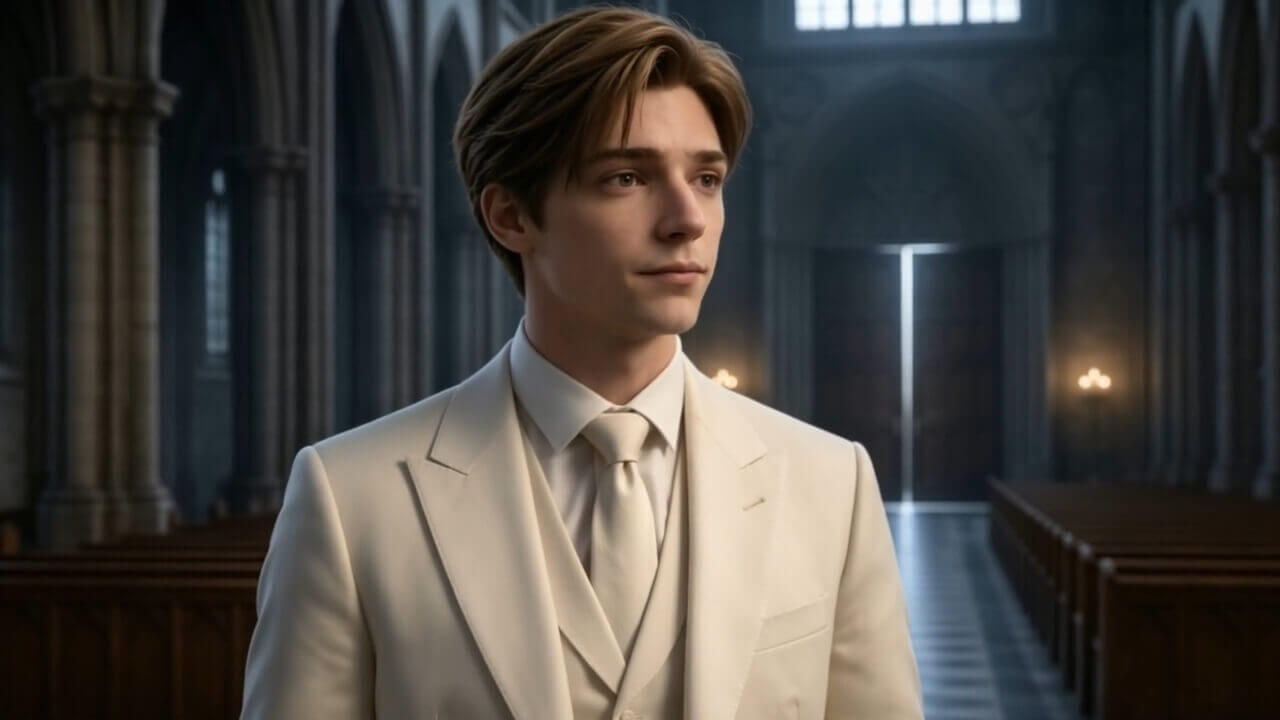
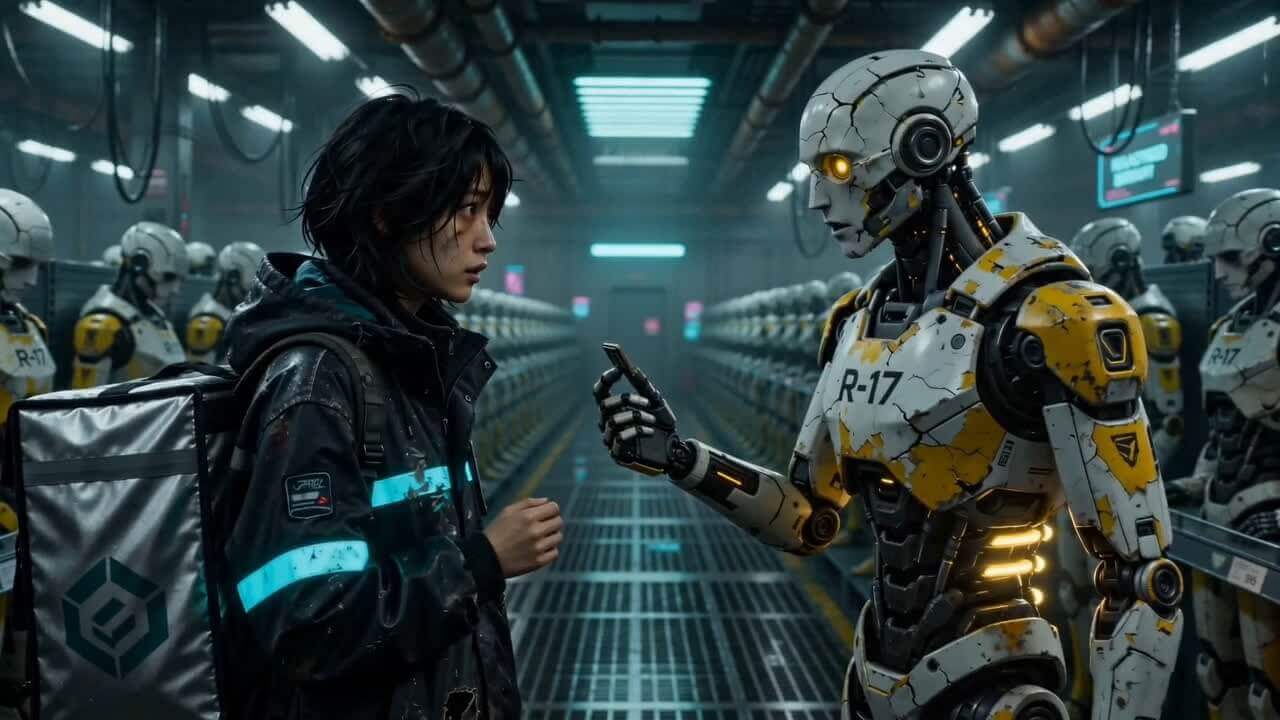
Cinematic aerial-style AI video background for Filmpire story creation

All-in-One AI Creative Studio for Videos, Images, and Voice

Create cinematic videos, polished images, realistic voiceovers, and voice assets from simple prompts. Filmpire brings AI video, image, and voice tools into one fast creative workspace.

Starter credits included for new accounts. Create videos, images, voiceovers, and story drafts from the same studio.

Seedance 2.0 logoSeedance 2.0
HappyHorse 1.0 logoHappyHorse 1.0
Wan 2.7 logoWan 2.7
Kling 3.0 logoKling 3.0
Hailuo 2.3 logoHailuo 2.3
Veo 3.1 logoVeo 3.1
GPT Image 2 logoGPT Image 2
Seedream 5.0 Lite logoSeedream 5.0 Lite
Nano Banana 2 logoNano Banana 2
Qwen3 TTS logoQwen3 TTS
Seedance 2.0 logoSeedance 2.0
HappyHorse 1.0 logoHappyHorse 1.0
Wan 2.7 logoWan 2.7
Kling 3.0 logoKling 3.0
Hailuo 2.3 logoHailuo 2.3
Veo 3.1 logoVeo 3.1
GPT Image 2 logoGPT Image 2
Seedream 5.0 Lite logoSeedream 5.0 Lite
Nano Banana 2 logoNano Banana 2
Qwen3 TTS logoQwen3 TTS

Start With a Scene, Product, or Story

Use a prompt, image, or script to build videos and visuals for ads, social posts, trailers, product launches, and story projects.

From Rough Idea to Ready-to-Use Creative Assets

Start a Project

Filmpire Story Video Workspace

Script, storyboard, voice, and final video in one guided flow

A cinematic story begins in a city at dusk. The protagonist is calm, focused, and ready to make a choice that changes everything.

Visual StyleMy AssetsVoiceoverStoryboard

Discover inspiration

Scene 1
Scene 2
Scene 3
Scene 4
Scene 5

Filmpire Story Video Workspace

Script, storyboard, voice, and final video in one guided flow

Shot 01

Camera movement, action, lighting, and character direction are generated for review.

Shot 02

Camera movement, action, lighting, and character direction are generated for review.

Shot 03

Camera movement, action, lighting, and character direction are generated for review.

Shot 04

Camera movement, action, lighting, and character direction are generated for review.

Filmpire Story Video Workspace

Script, storyboard, voice, and final video in one guided flow

Scene direction
Lighting
Character pose
Camera move
Subtitle timing
Preview shots

Filmpire Story Video Workspace

Script, storyboard, voice, and final video in one guided flow

Final video
0:59

Build More Than One Output From Every Idea

Use one creative direction to explore motion, visuals, voice, and storyboard assets without rebuilding the brief every time.

Creative workflow

Turn Ideas Into Structured Creative Directions

Start with a script, product brief, or simple prompt. Filmpire helps organize scene direction, voiceover notes, visual style, and reusable prompts.

Start Creating
Turn Ideas Into Structured Creative Directions preview
Turn Ideas Into Structured Creative Directions workflow thumbnail

Filmpire workflow

Start with a script, product brief, or simple prompt. Filmpire helps organize scene direction, voiceover notes, visual style, and reusable prompts.

Built for creative production

Stop Switching Tools. Build the Whole Creative Flow in Filmpire.

Start with an idea, add reference media, choose the model that fits the job, generate the asset, then keep the result organized for the next version.

Explore Tools
PromptReferenceModelPreview
Brief
Describe the creative direction in natural language
References
Guide style, subject, and motion with uploads
History
Save outputs and prompts for future versions
Creative team collaborating on AI video and image projects
Workspace
Create with control
Creative pipeline

Turn a rough idea into usable creative assets while keeping prompts, references, and outputs connected.

Creative Workflows for Teams, Brands, and Solo Creators

Use Filmpire for product launches, social campaigns, story experiments, explainer content, and daily creative iteration.

Small Studios AI video workflow

Client-Ready Creative Workflows for Small Studios

Move from campaign brief to storyboard, narration, and video draft without jumping across disconnected tools.

Start a Project

Frequently Asked Questions

What is Filmpire?+

Filmpire is an AI creative studio for generating videos, images, voiceovers, audio assets, and storyboard-style story workflows from prompts, scripts, and uploaded references.

Is Filmpire free to use?+

New accounts receive trial credits so you can test the workflow first. When you need more output capacity, you can upgrade with a subscription or one-time credit pack.

What kind of content can I create?+

Create social videos, product clips, campaign visuals, character concepts, storyboards, thumbnails, voiceovers, narrated scenes, and creative variations.

What AI models does Filmpire support?+

Filmpire brings supported video, image, and voice models into one interface, including text-to-video, image-to-video, reference-to-video, text-to-image, image editing, and speech generation.

Do I need advanced prompt engineering skills?+

No. You can start with plain language, then refine the prompt, add references, select a model, and adjust settings as you learn what works.

How do credits work?+

Credits are used when you submit a generation task. The amount depends on the model, duration, quality, sound, and workflow settings you choose.

Cinematic forest scene background for Filmpire story creation

Ready to Create Your Next Video, Image, or Voiceover?

Start with a prompt or reference, choose your model, and keep every output in one creative history.

FILMPIRE