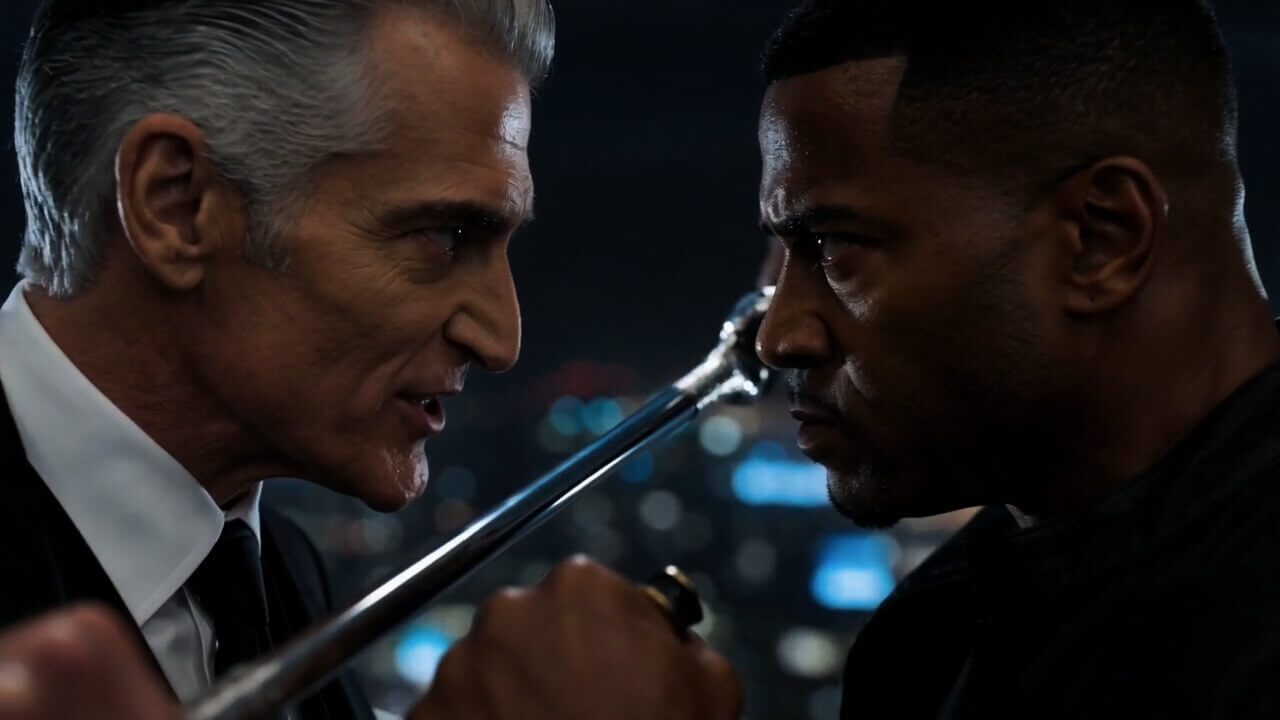
Text to video
Describe a subject, action and camera movement to create a cinematic clip.
Start creatingAI で動画・画像・ナレーションを制作し、ひとつのスタジオでアイデアを完成作品に。
クリエイター、マーケター、コンテンツチームのために。
動画・画像・音声をひとつの AI スタジオで制作。
Filmpire の映像と画像を見て、あなたの制作を始めましょう。
ストーリー、プロンプト、参考画像から、ひとつのスタジオで制作。
Start with text or a reference image and turn your idea into visuals and motion.
Describe a subject, action and camera movement to create a cinematic clip.
Start creating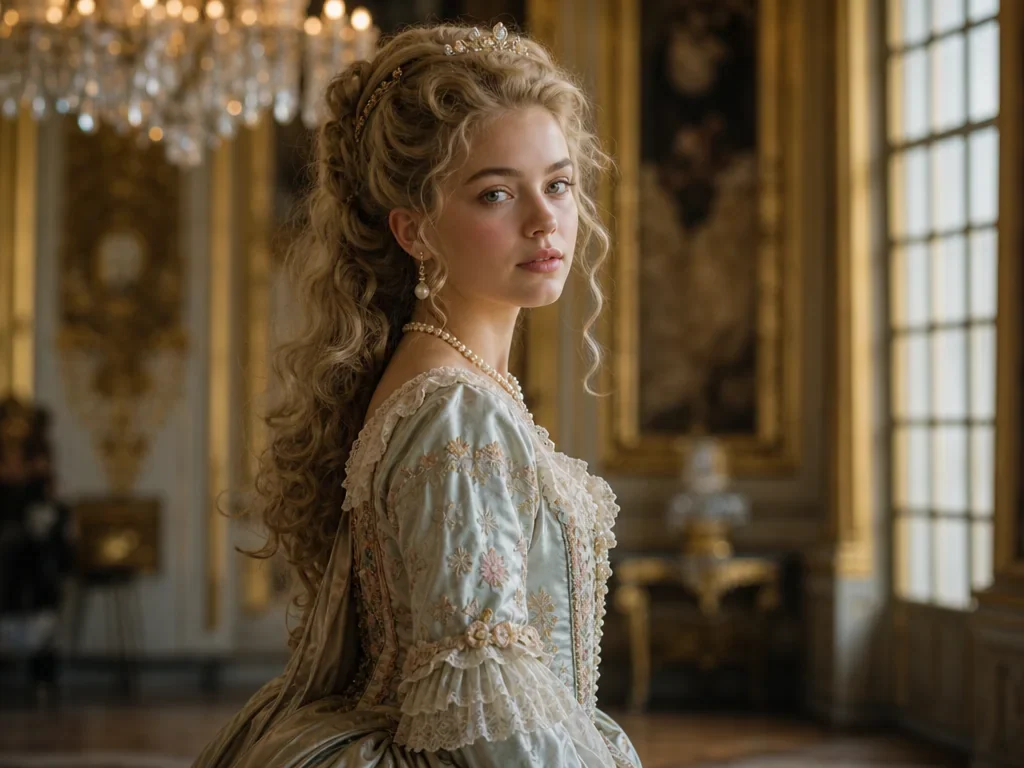
Create characters, product visuals, posters and imagined worlds from text.
Start creating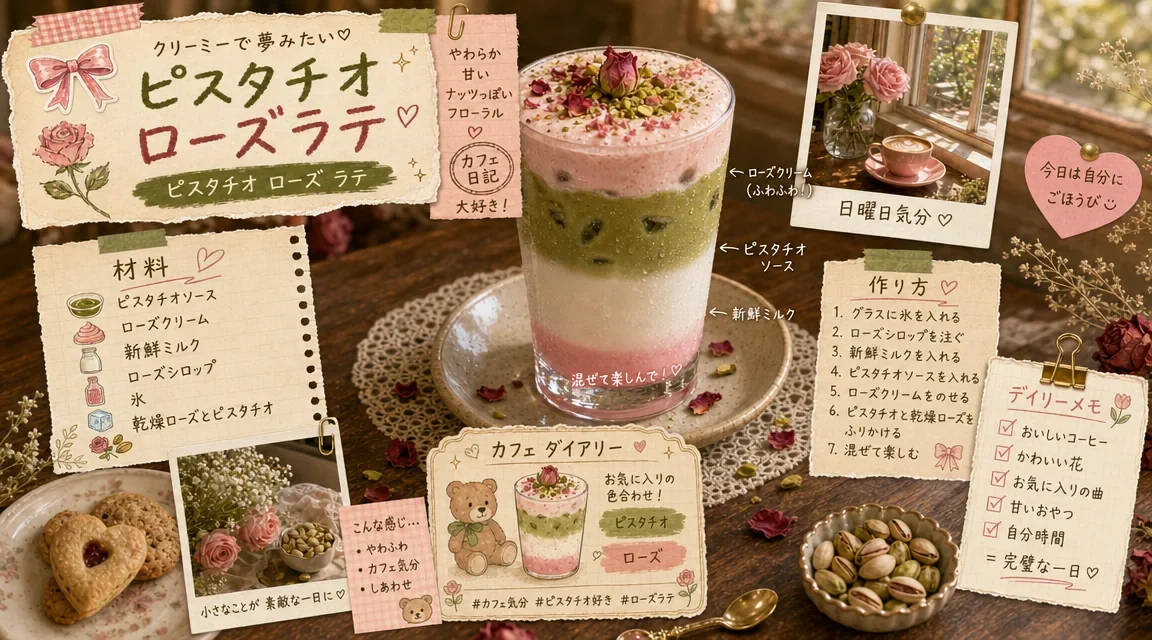
Find focused tools for character design, product motion and story-led films.
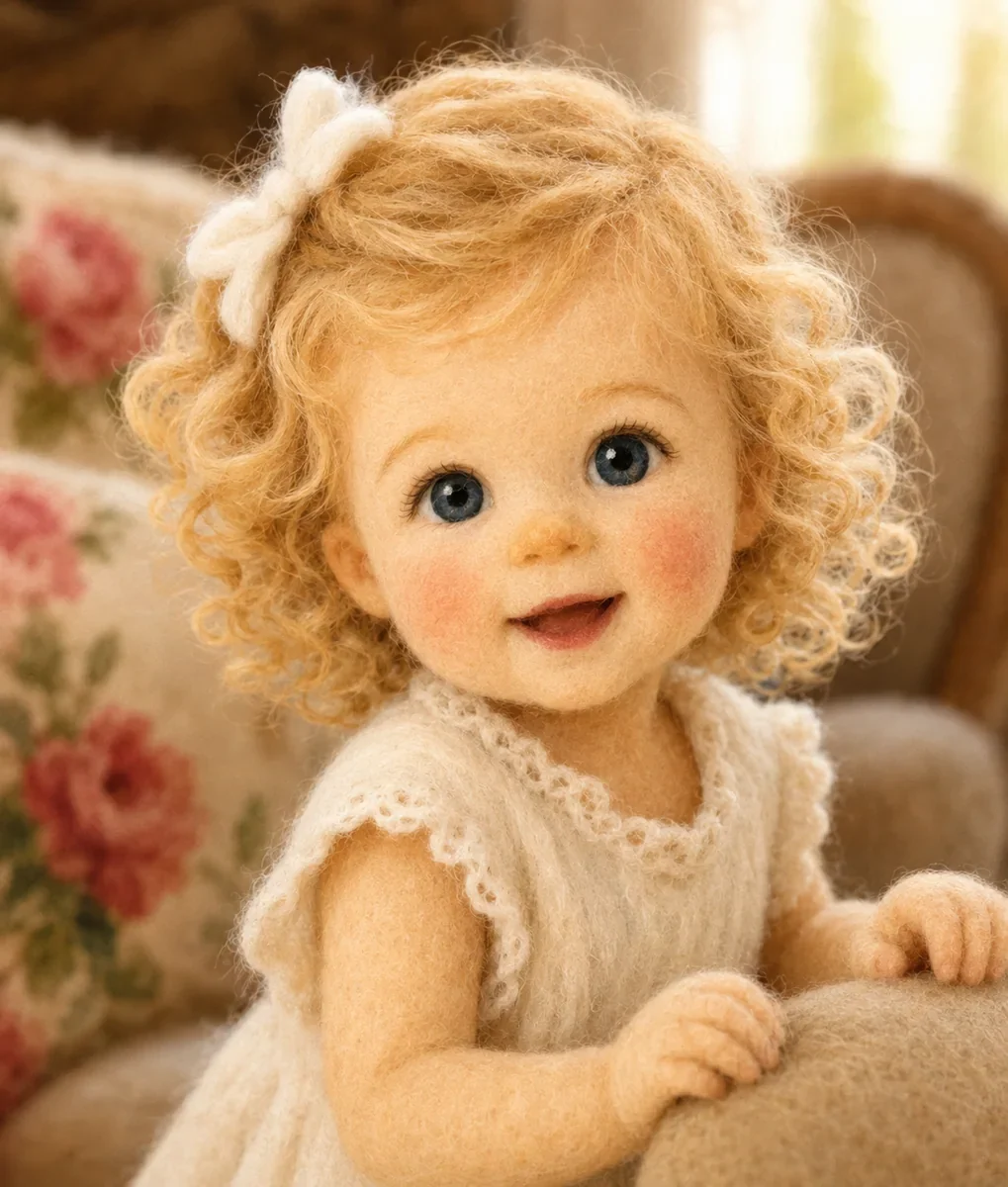
Explore characters, clothing and visual styles with prompts and references.
Explore tool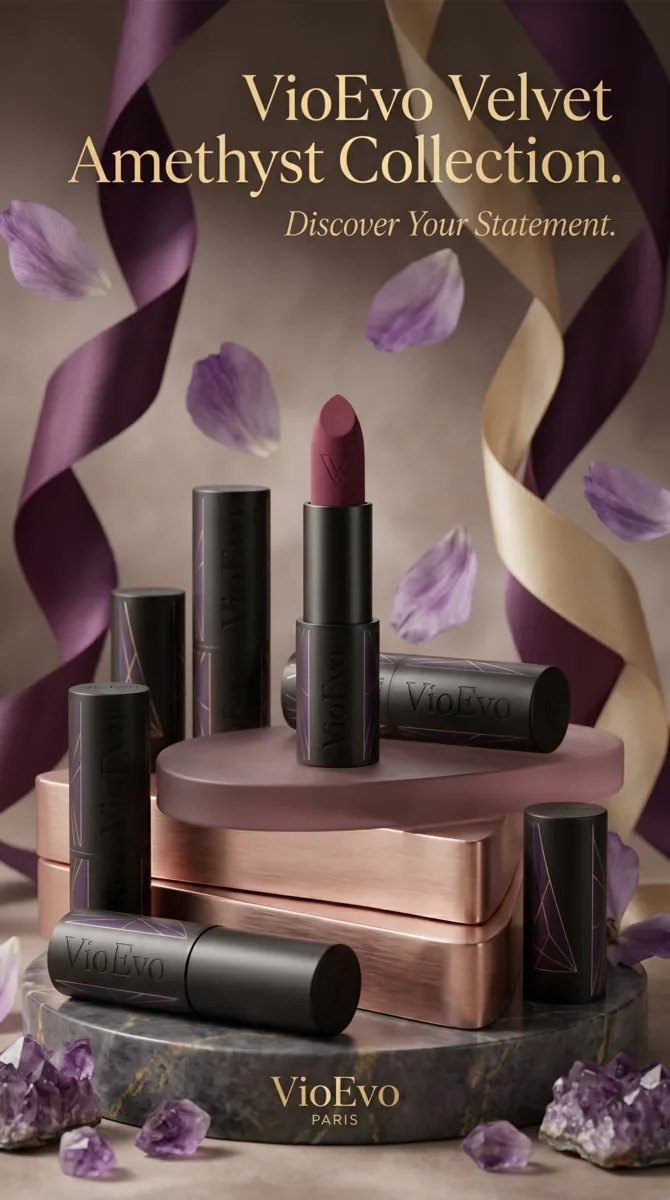
Create expressive clips for product showcases and social campaigns.
Explore tool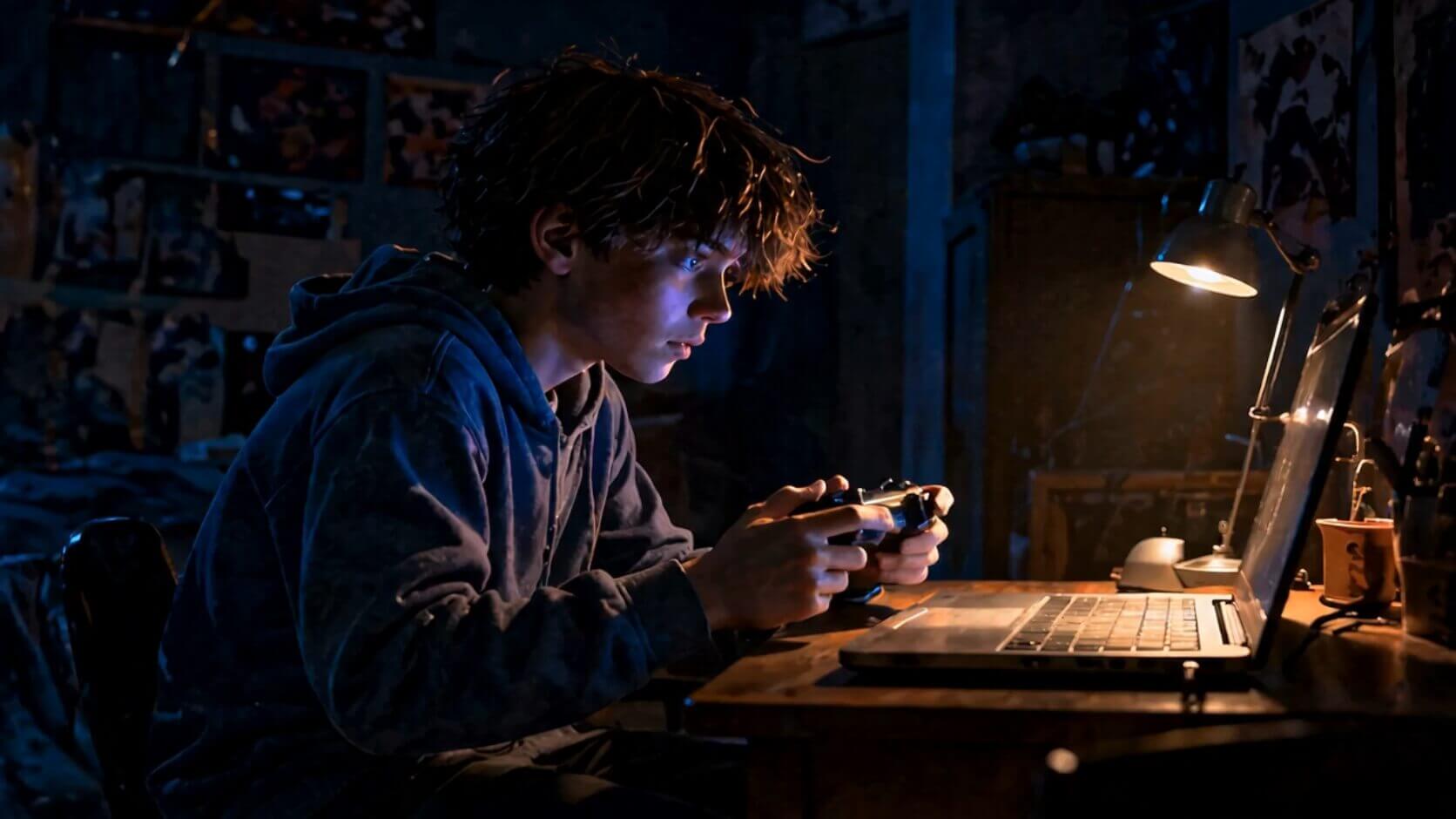
Plan characters, storyboards and clips before production begins.
Explore toolAI監督がプロンプトを絵コンテと完成動画に変える流れを確認できます。
バリスタは、まだ見ていない夢に現れた客に気づく。
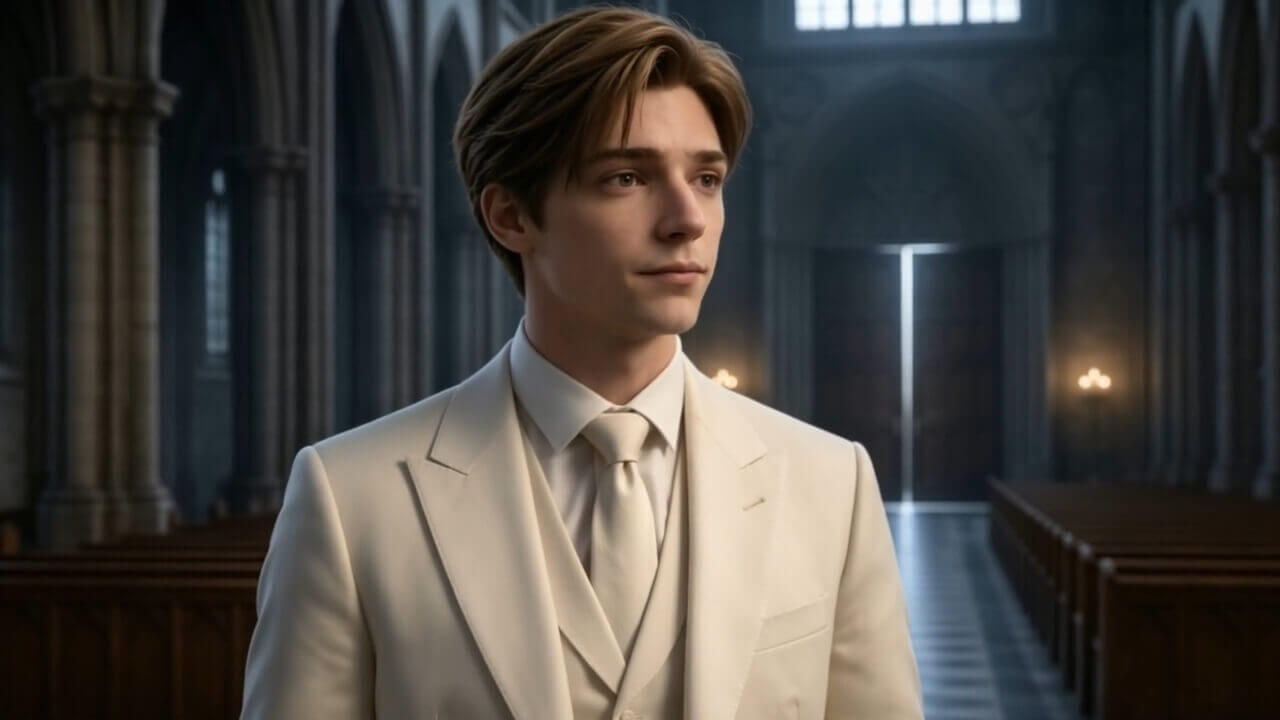
人物、シーン、カメラを確認してから動画クレジットを使用します。
Filmpireは物語構造を理解し、一貫性のある安定した制作ルートで仕上げます。
01 · 世界観02 · きっかけ03 · 選択 04 · フック
ストーリーは固定ルート、動画・画像・音声はモデルを選択できます。
ストーリーは固定ルート、動画・画像・音声はモデルを選択できます。
ストーリーは固定ルート、動画・画像・音声はモデルを選択できます。
ストーリーは固定ルート、動画・画像・音声はモデルを選択できます。
ストーリーは固定ルート、動画・画像・音声はモデルを選択できます。
ストーリーは固定ルート、動画・画像・音声はモデルを選択できます。
ストーリーは固定ルート、動画・画像・音声はモデルを選択できます。
ストーリーは固定ルート、動画・画像・音声はモデルを選択できます。
尺、ショット数、解像度、モデルにより変わり、送信前に確認できます。
モデル、クレジット、制作フローを生成前に明確にします。
Related documentation: Plans and credits · Refund policy · About Filmpire
まず素早く下書きを作るか、AI監督で方向性を確認しましょう。